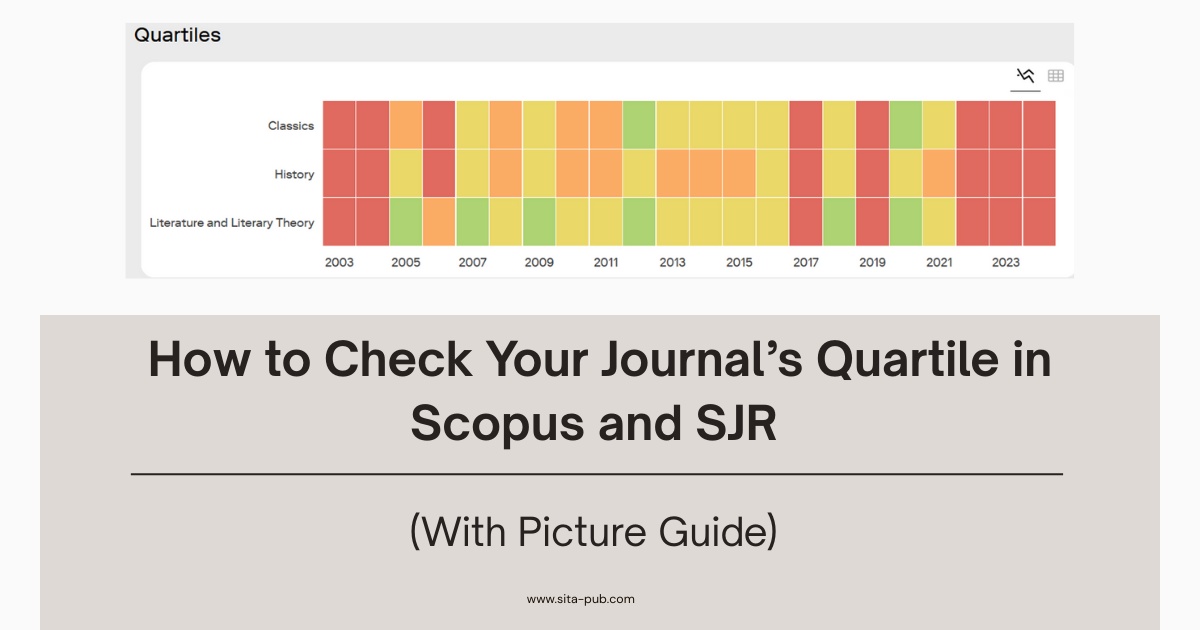
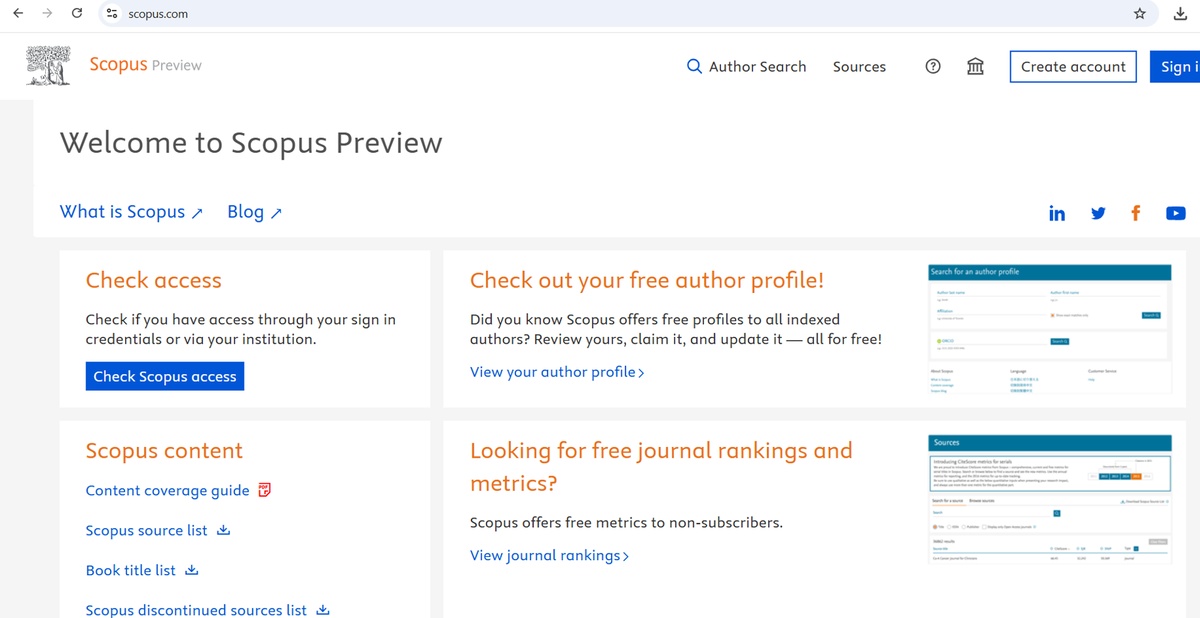
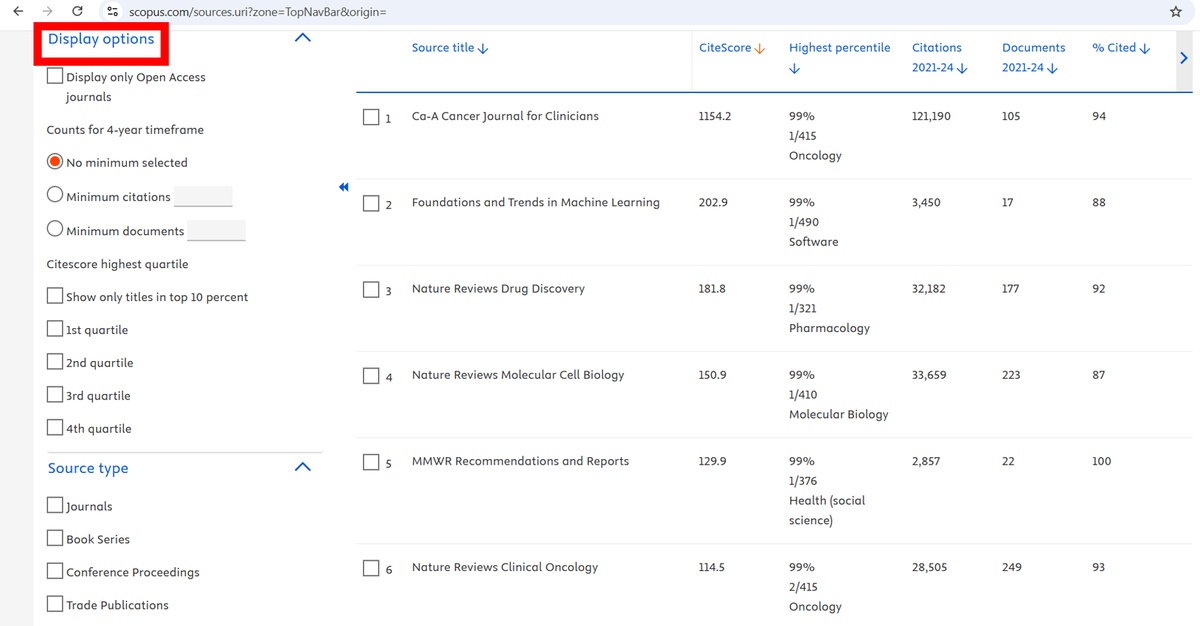
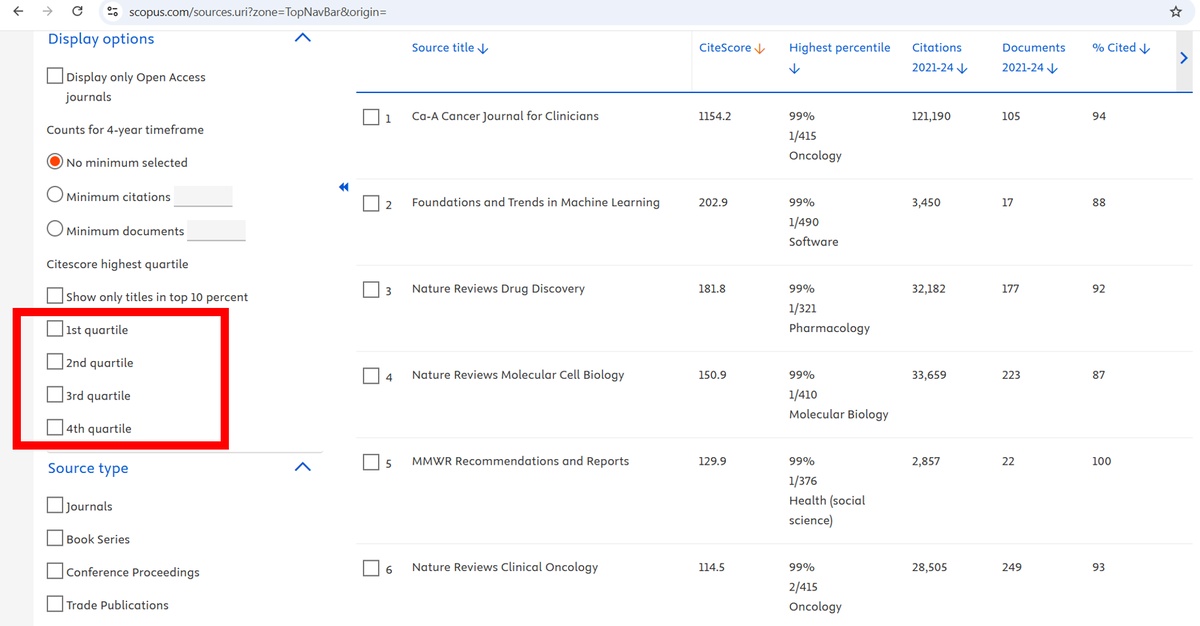
Scopus is one of the leading abstract and citation databases, and while it provides CiteScore and percentile metrics, the quartile ranking is not displayed directly for each journal. Instead, Scopus allows users to filter journals based on quartiles through the Display Options panel on the left side of the Sources page. Using these filters, you can determine whether a journal belongs to Q1, Q2, Q3, or Q4.

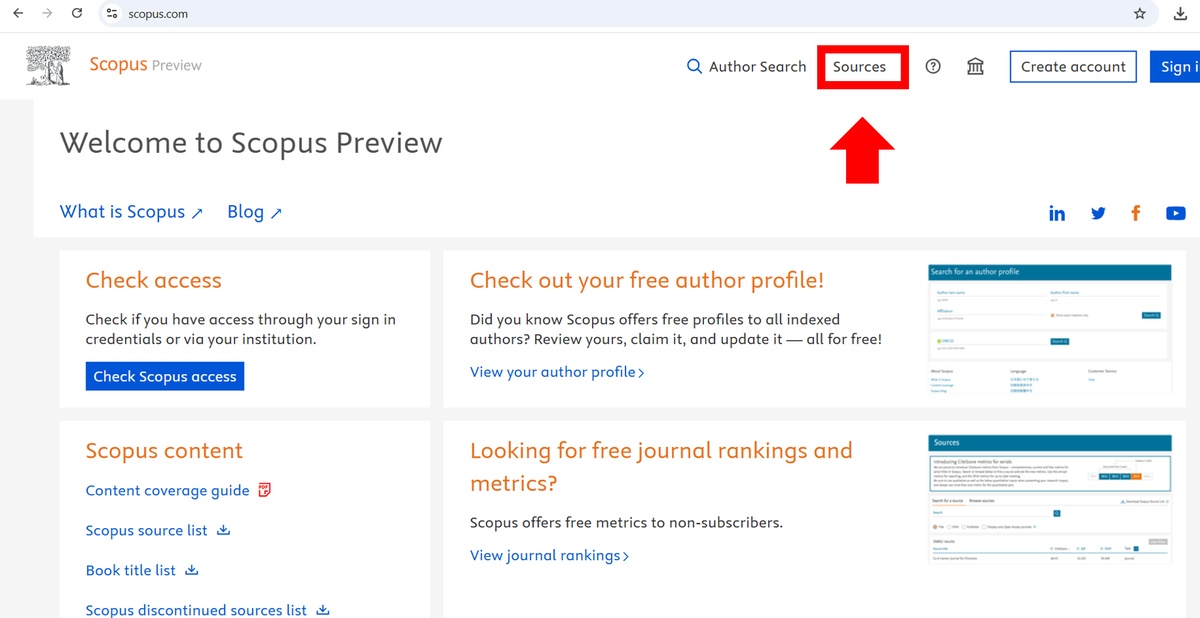
On the Scopus homepage, click the “Sources” tab.
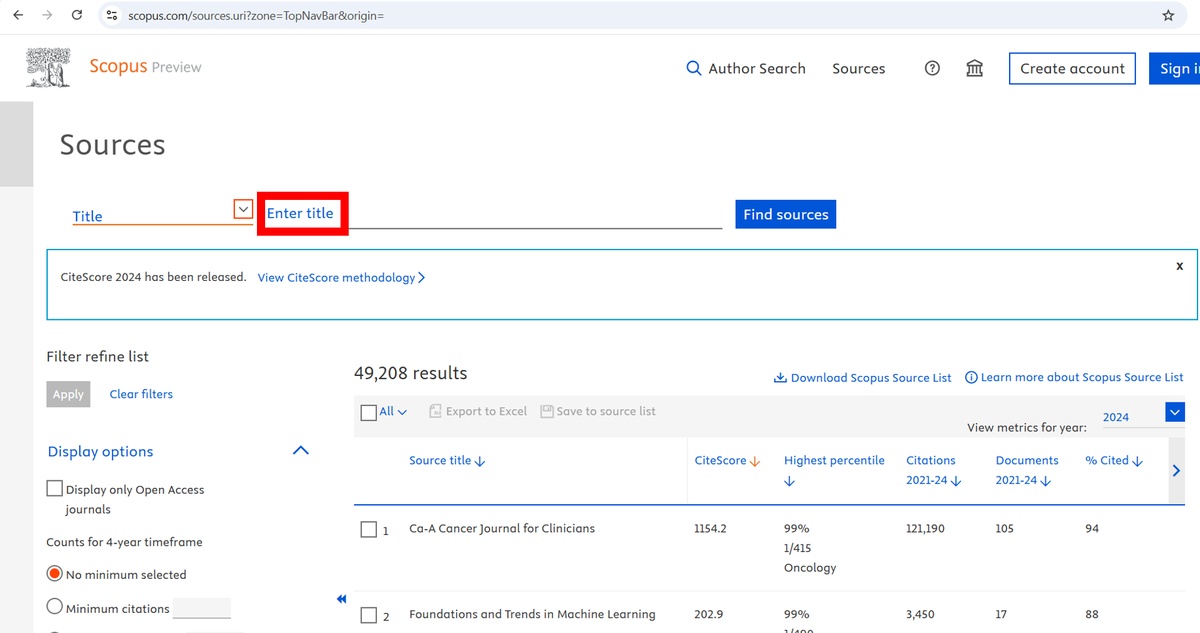
A page listing all indexed sources will appear.

Use the search bar at the top of the Sources page.
Type the full journal name.
Do not click the journal yet—checking quartiles requires using the filters in the general list.
On the left-hand sidebar, Scopus provides several filters under Display Options. These filters include:

Display only open access journals
Counts for 4-year timeframe
Minimum citations
Minimum documents
These are the most important filters for determining your journal’s quartile:
CiteScore Highest Quartile: Show only titles in top 10%
1st Quartile (Q1)
2nd Quartile (Q2)
3rd Quartile (Q3)
4th Quartile (Q4)
You can refine results by publication type:
Journals
Book Series
Conference Proceedings
Trade Publications
Because Scopus does not show the quartile directly on the journal details page, you must use the quartile filters strategically. Here is the correct step-by-step approach:

Your journal will appear in the results list (if indexed).
Check “1st Quartile (Q1)” on the left side.
If your journal still appears in the filtered results, then it belongs to Q1.
If it disappears, then it is not Q1.
Check “2nd Quartile (Q2)”.
If the journal appears, it is Q2.
If not, continue to the next quartile.
This step-by-step filter method is the only way to verify the quartile ranking in Scopus when the quartile is not displayed directly on the journal page.
If you want to compare journals in your field, use:
Source type = Journals (to exclude book series or conferences)
Subject area filter (if available)
Open access filter (if needed)
These filters help you view journals similar to yours and better understand the quartile distribution.
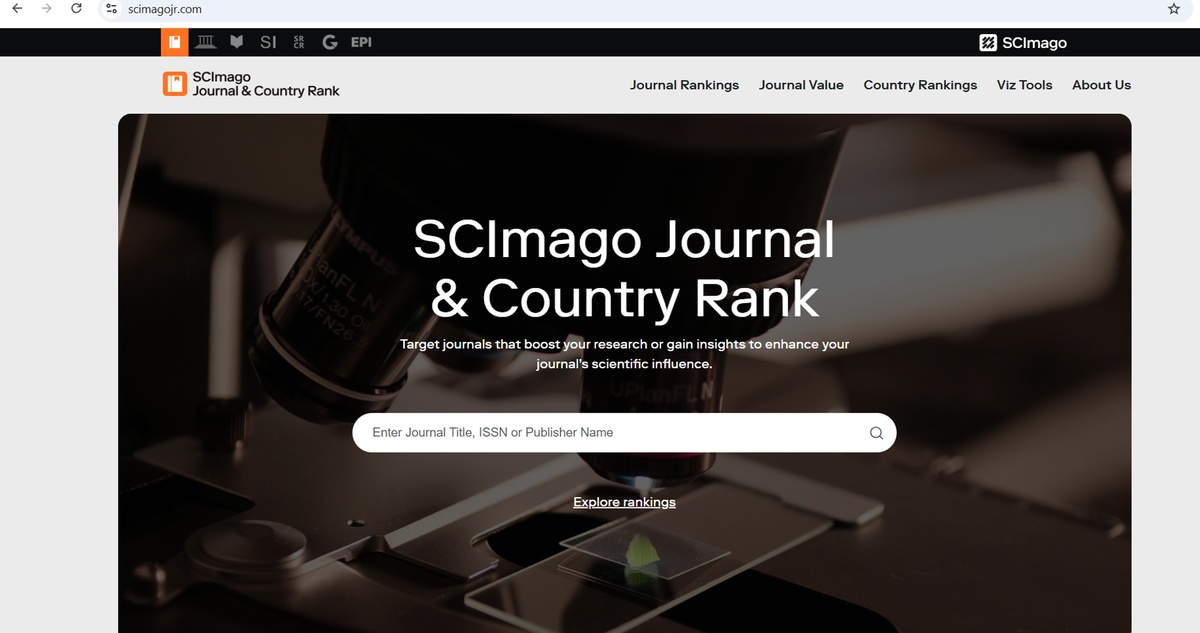
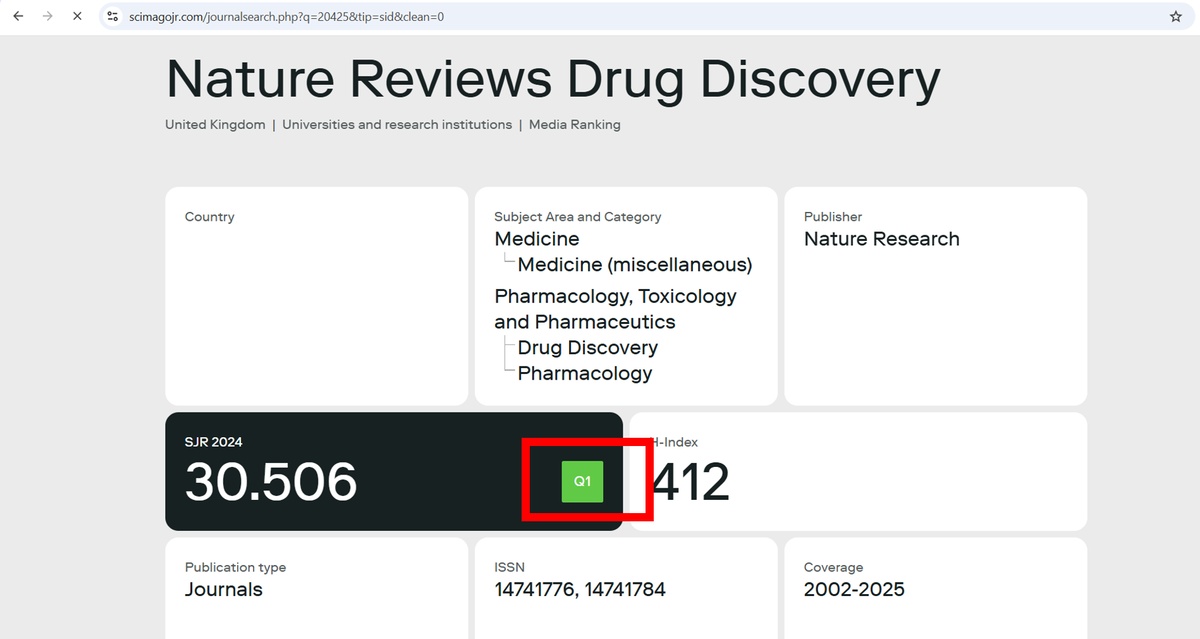
Another widely used platform for journal evaluation is SJR (SCImago Journal Rank). SJR uses citation data from Scopus but provides additional metrics such as SJR indicator and H-index, giving a more nuanced view of journal impact.

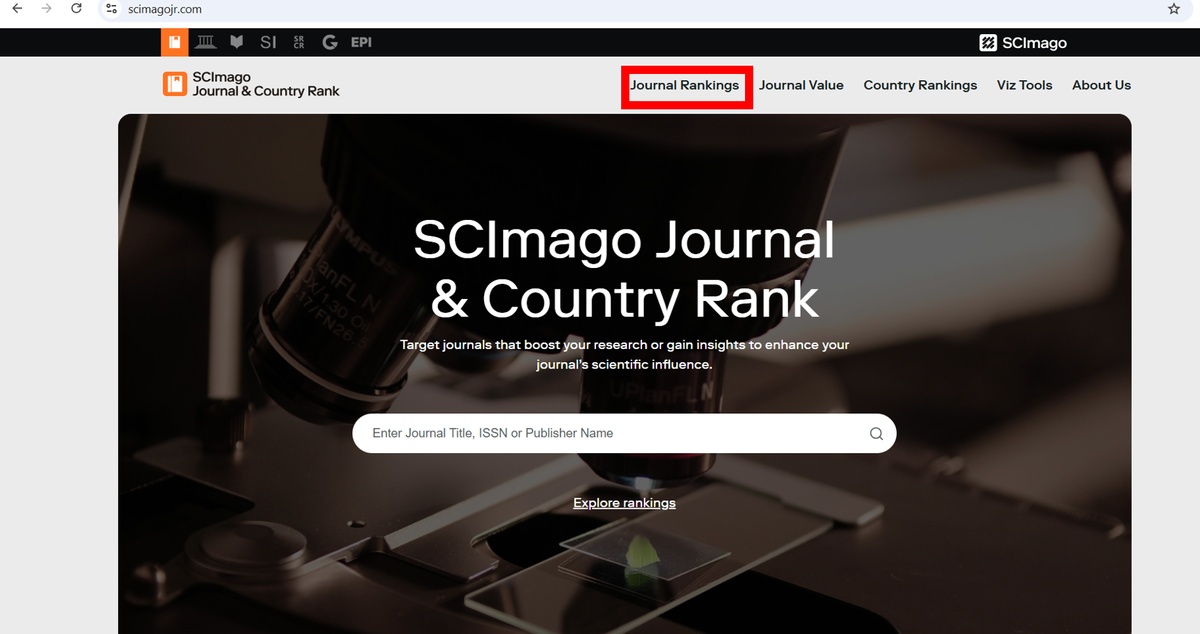
On the SJR homepage, click the “Journal Rankings” tab.
Use the search bar to enter the journal name.
If your journal appears in multiple subject categories, select the one most relevant to your research area.

Once you click on the journal, you will see its SJR indicator, H-index, total documents, and total references.
Pay attention to the quartile column, which shows Q1 to Q4.
SJR calculates quartiles based on the journal’s rank in a subject category.
The quartile ranking in SJR is similar to Scopus:
Q1: Top 25%
Q2: 25–50%
Q3: 50–75%
Q4: Bottom 25%
You can view quartiles for different years to track trends in the journal’s performance.
SJR allows you to filter journals by subject area, country, publication type, and open access status.
This is useful if you are evaluating multiple journals from your initial list.
You can sort journals by SJR indicator, H-index, or total citations to prioritize higher-impact journals.
Process of Submitting an Order in SITA Academy

Share Your Research Scope |

Receive Journal List |

Select Your Journal |

Formatting & Submission |